Family Island Free Energy Links Today (November 2026)
Family Island starts you off with a Stone Age family, a shack and a desert island, and almost everything after that, from the farm to the town, gets built by hand. Most of that work costs energy, and each link below adds free energy when you open it on the phone where the game is installed.
Latest Family Island Free Energy Links
70 free energy links listed, newest first · 235 posted in the last 30 days · most give 100 energy · new links most days
Updated
Sunday · November 15 8 links
Saturday · November 14 7 links
Friday · November 13 9 links
Thursday · November 12 4 links
Wednesday · November 11 8 links
Tuesday · November 10 12 links
- Free energyCollect →✓ Collected
- Free energyCollect →✓ Collected
- Free energyCollect →✓ Collected
- Free energyCollect →✓ Collected
- Free energyCollect →✓ Collected
- Free energyCollect →✓ Collected
- Free energyCollect →✓ Collected
- Free energyCollect →✓ Collected
- Free energyCollect →✓ Collected
- Free energyCollect →✓ Collected
- Free energyCollect →✓ Collected
- Free energyCollect →✓ Collected
Monday · November 9 6 links
Sunday · November 8 7 links
Saturday · November 7 5 links
Friday · November 6 4 links
Not affiliated with Melsoft Games.
How to Get Free Energy in Family Island
Links are the quickest top-up, but the game hands out plenty of energy on its own if you know where to look.
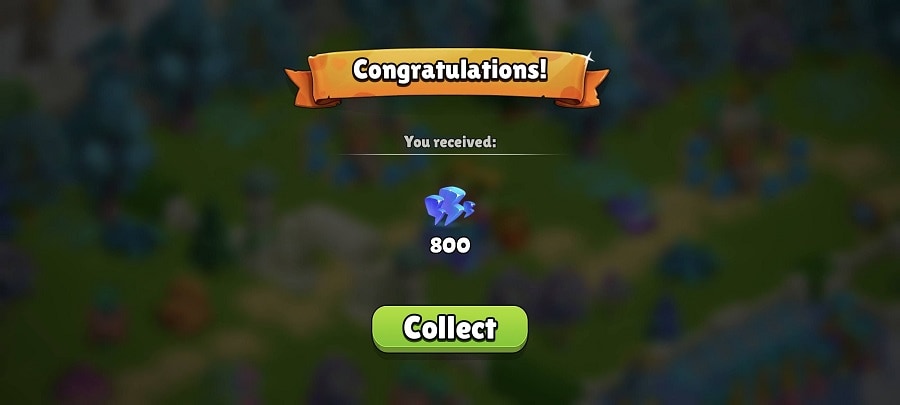
- Let it refill, but not to the top. Energy comes back over time and stops once the bar is full, so spend it before it caps.
- Cook and feed the family. Cook a dish at the fire or cooking table, put it on the Dinner Table and tap the plate icon. Feed them before you open chests or claim gifts, because once your energy goes over the limit the family is “full” and won’t eat.
- Fill orders and open chests. Orders from the Merchant, the Shaman and the Order Board pay energy, and chests and gift-box items often hold some too. A Green Chest holds anywhere from 100 to 3,000 energy, most often between 250 and 450, and the 3,000 drop is extremely rare.
- Level up. New experience levels and House Tiers both come with energy, and the reward grows as you climb.
- Use the Time Fountain. You get it from the Treasure Island event tutorial, and it gives 7 energy every 8 hours. Repair it with Time Spheres and it pays 80 energy twice before going back to normal. Time Spheres come from events or can be crafted from Time Sphere Shards on Treasure Island or Forgotten Island.
- Play events. Daily and event tasks pay energy, and events usually bring their own energy generators.
- Log in every day. The daily rewards calendar hands out gifts such as Gold tools, Rubies and energy. Miss a day and the 7-day cycle starts again from Day 1, while the milestone bar keeps building toward a bigger gift after 30 days.
- Join the Loyalty Club. From House Tier 9, this free club adds a daily surprise and Loyalty Tiers with their own rewards.
- Invite friends. From main house tier 4, an invite button appears in the game settings. Every friend who is new to the game, installs through your link and reaches house tier 4 is worth 1,000 energy, plus Rubies, and bigger milestones add Gold Keys and Time Spheres.
Where Does Melsoft Post Family Island Gifts?
On the Family Island Facebook page and Instagram, where gift posts go up alongside exclusive offers and bonuses. Every link on this page is picked up from those posts and listed newest first. You can also send the team a private message on Facebook once every 24 hours and get a gift in reply, and the Reward Center in the game shows the gifts waiting for you.
Why Isn’t My Family Island Link Working?
Family Island reward links expire within 24 to 48 hours after they’re posted, so claim them early. If a link opens the store instead of the game, open it again and pick your device’s default browser when asked. Keeping the game running in the background before you tap the link can also help.
How Do You Trade Cards in Family Island?
Card trading runs through Facebook, so log in to Facebook from the game and grant all the app permissions first. You can only swap with Family Island players who are also your Facebook friends, and only cards from the current season.
- Sending: tap a duplicate card in your collection and choose Send Card. Gold cards can’t be traded, and there is a daily sending limit; once you hit it, a timer shows when you can send again.
- Asking: open the Seasonal Album, tap the card you’re missing and choose Ask Card, then post the request in the official Facebook trading group or on your feed.
- Receiving: cards sent to you pop up the next time you open the game, but you only have 24 hours to collect one before it may expire.
- Jokers: Joker Cards come from in-game events and let you pick a card you’re missing. Choose before the timer under the Joker badge runs out, or the game picks for you.
- Duplicates Market: duplicate cards turn into points for the Market, whose offers refresh when their timer ends. Spending or trading duplicates uses up the same value from your album, and at the end of the season, duplicate points reset and leftover duplicates are removed.
Family Island: A Stone Age Family Starting Over After a Volcano
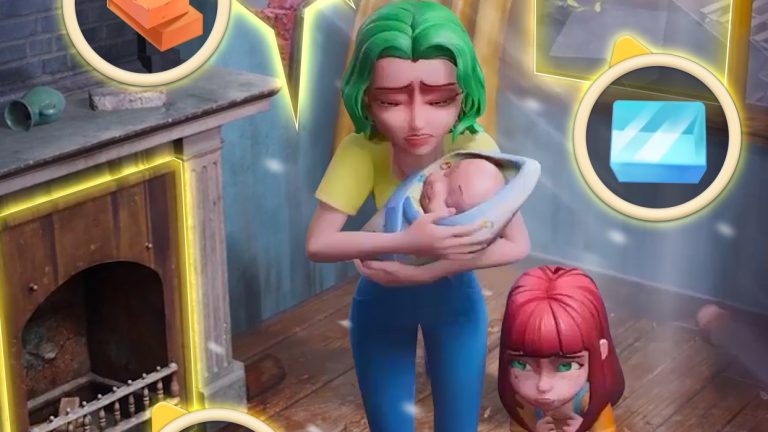
A volcanic eruption destroyed their city, so Bruce, Eva and their two kids end up on a remote island with no modern technology. You help them turn it into a thriving town while they look for a way back to their tribe, and the everyday family moments along the way are played for laughs.
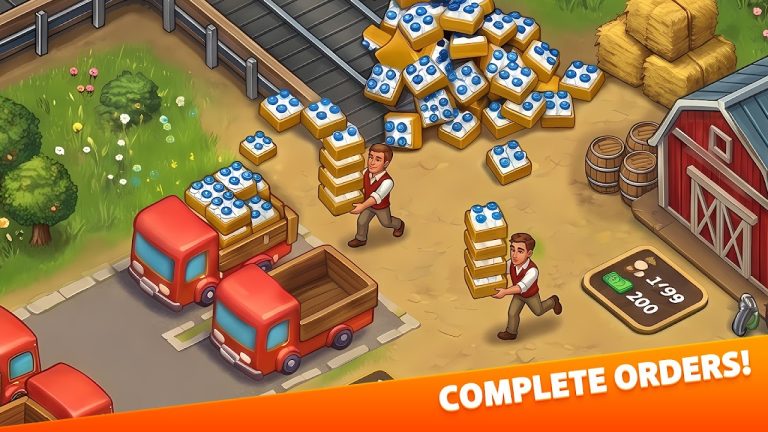
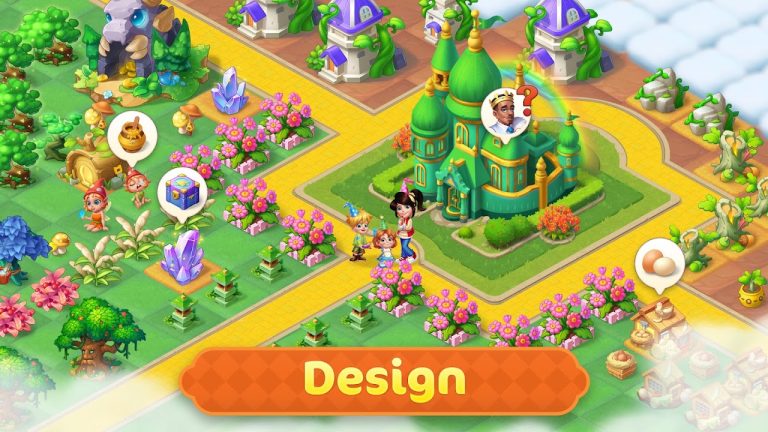
The work is a mix of farming and exploring. You plant and harvest crops, cook with island ingredients, craft goods to trade with other characters and build up your village, then decorate it with plants and flowers. Away from home, you explore wild territories, solve puzzles, find hidden objects and set off for new islands. Island hamsters, wild goats and even a dinosaur live there too.
Family Island’s store pages now list Moon Active, the company behind Coin Master. For more farm adventure games, see Family Farm Adventure, Klondike Adventures and Taonga: The Island Farm. For a quick puzzle break, Bejeweled Blitz has a daily link page here too.